Colleges and schools
We create lesson and training videos for colleges, schools and training providers across South Africa. Your subject matter is turned into clear presenter-led videos that are easier to update than re-recording a live presenter each time.

Built for teaching teams and academic departments
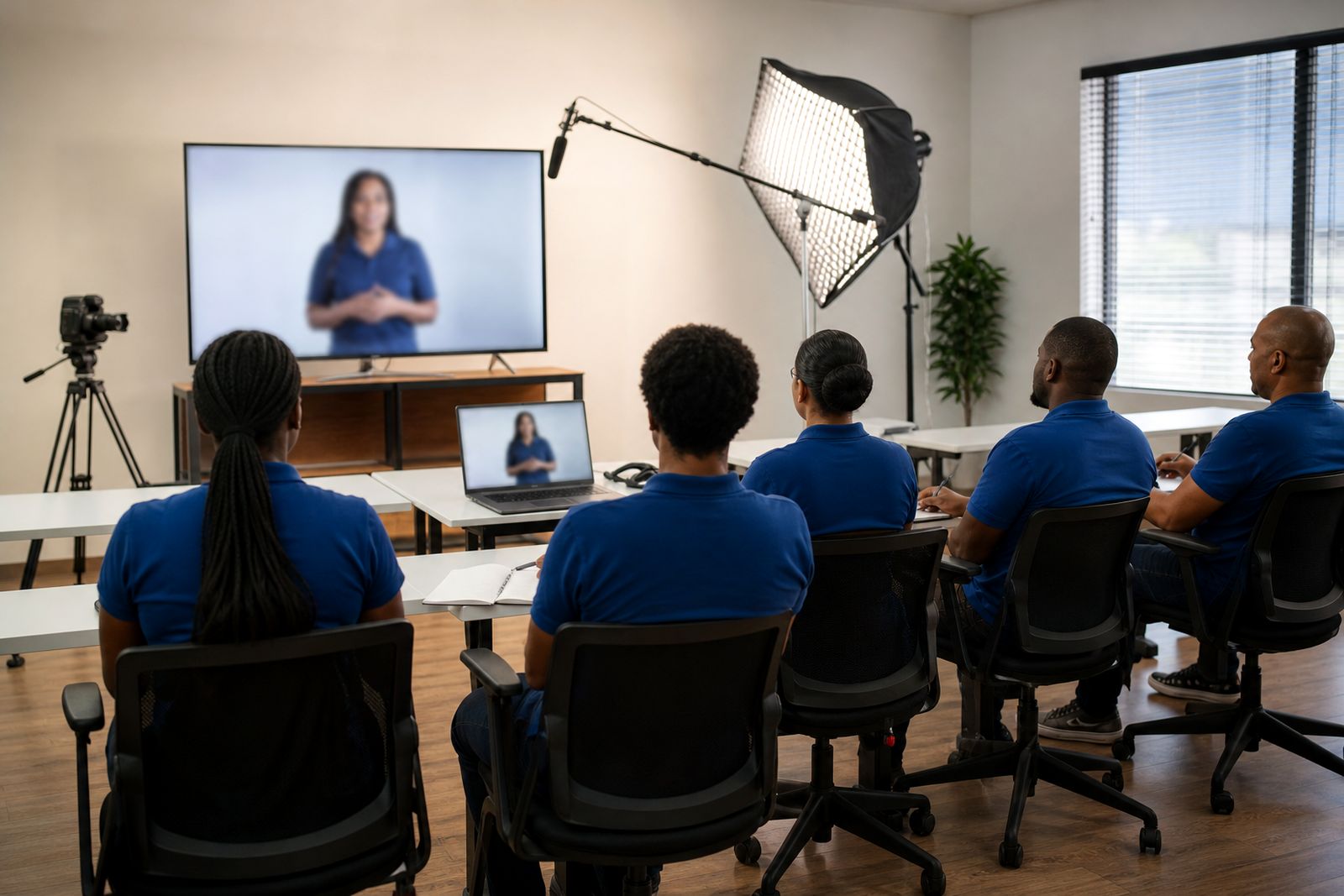
Colleges and schools often need the same lesson explained clearly across multiple classes, campuses or intake groups. We produce presenter-led training and lesson videos that help teaching teams standardise delivery while still keeping the material aligned to your curriculum, house style and learner level. This works well for subject introductions, module overviews, assessment guidance, practical preparation, safety briefings and learner support content.
Because the presenter is created digitally, you do not need to book a lecturer, set up a room or re-record from scratch when a section changes. If a policy, due date, module outline or process is updated, the script and on-screen content can be revised and a new version can be supplied. That makes it useful for schools and colleges that need to keep material current without disrupting teaching schedules.
- Lesson videos for classroom support and distance learning
- Induction and orientation videos for new learners
- Assessment and assignment guidance
- Lab, workshop and campus safety videos
- Staff training for internal procedures and compliance
What is included in each video
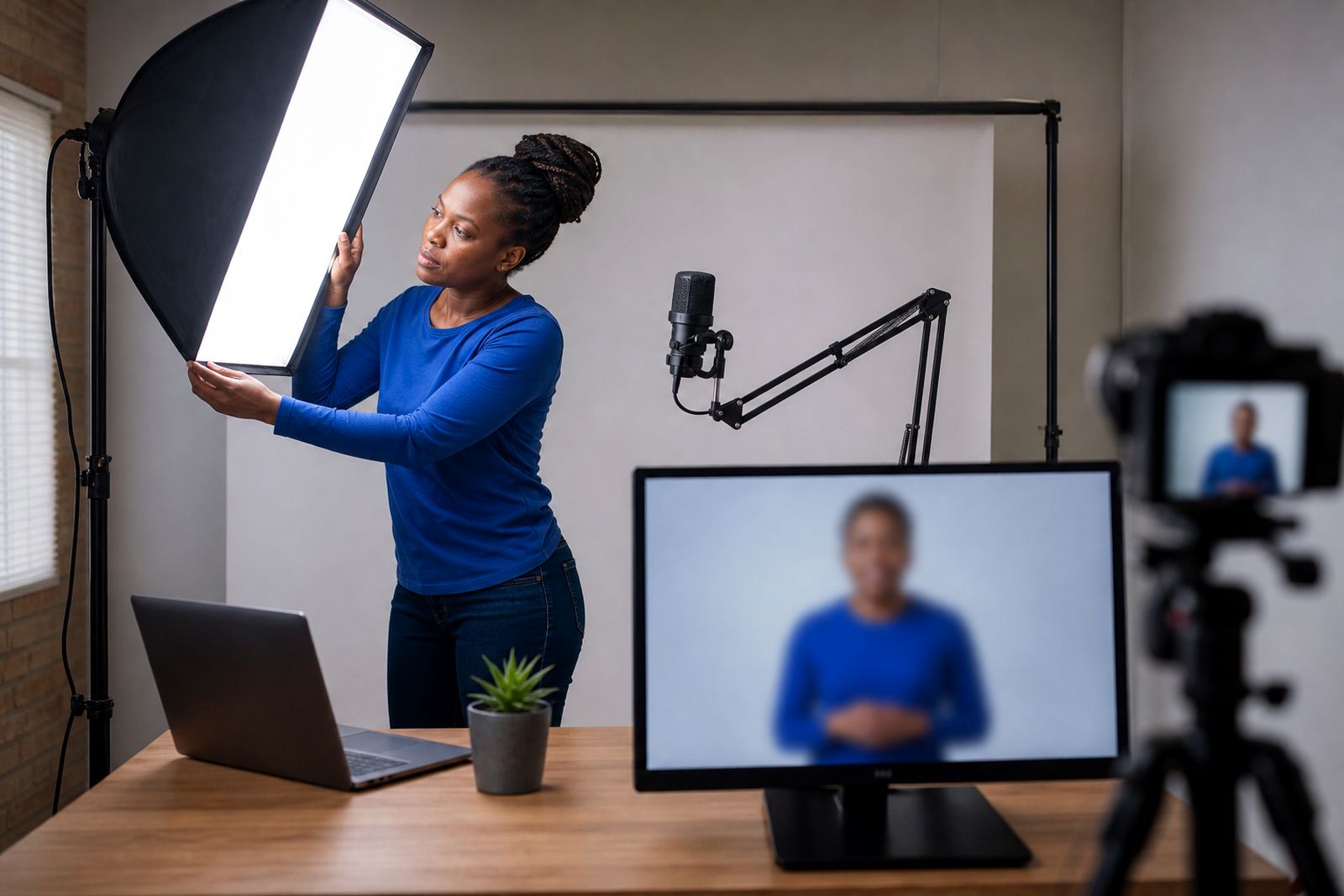
We take your slides, notes, handbook extracts or draft lesson points and turn them into a structured presenter video. The presenter can be selected from available options or customised to better fit the tone of your institution. We can also add your logo, colours, title slides, lower-third labels, diagrams, screenshots and simple on-screen prompts so learners can follow the lesson more easily.
Voice options are available in several languages, with subtitles added where needed for accessibility, language support or quiet viewing on mobile devices. If you already have classroom slides, we can adapt them for video use rather than simply reading them out. The aim is to make the lesson easier to watch and understand, not to copy a slide pack word for word.
- Script writing from your notes, slides or source material
- Choice of presenter style and tone
- Institution branding, colours and graphic elements
- Screen captures for portals, systems or software walkthroughs
- Subtitles for accessibility and learner convenience
- Exported files suitable for learning platforms and internal sharing
How the process works step by step
We start by confirming the purpose of the video, the learner group, the subject and where the finished file will be used. A school might need short lesson support clips for homework revision, while a college faculty might need a formal module introduction for online learning. Once that is clear, the content is structured into a script and sequence.
Next, the presenter approach is chosen, followed by branding, voice direction and any supporting visuals such as screenshots, diagrams or short text callouts. A draft is then prepared for your review so your teaching team can check that terminology, spelling, curriculum references and wording are correct. After sign-off, the final file is exported in the required format.
- You send notes, slides, lesson plans or source documents.
- We shape the script for clear video delivery.
- A presenter, voice and visual style are selected.
- Your branding and support visuals are added.
- You review the draft and request changes.
- The final version is exported for your learning platform or internal distribution.
If you need a series, we can keep the same format across multiple modules so learners see a consistent style from one lesson to the next.
What your school or college should prepare
The smoothest projects start with organised source material. This does not need to be polished, but it should be complete enough for the teaching points to be understood properly. If the material includes subject-specific terms, assessment rules or safety instructions, it helps to provide the exact approved wording from your institution. That avoids confusion later on.
Please also nominate one person or small review group who can approve wording and visual choices. Too many reviewers can slow down educational projects, especially when departments are busy and timetables are full.
- Slides, lesson notes, hand-outs or policy documents
- Brand guidelines, logo files and preferred colours
- Any diagrams, screenshots or sample learner materials
- The intended learner group, such as Grade level, NCV, NATED or short course participants
- Required language, subtitle needs and pronunciation notes
- The platform or system where the video will be uploaded
If you want a presenter modelled on a real staff member, written consent from that person is required before production starts. We do not create staff-based presenters without that written permission.
How pricing is worked out
Pricing is based on the scope of the work rather than a one-size-fits-all package. A short orientation clip with supplied copy is different from a full lesson video that needs script development, multiple branded scenes, subtitles and platform-ready exports. The more preparation already in place on your side the simpler the production tends to be.
In general, the main cost factors are the script length, the amount of editing required, the number of scenes, whether screen captures or custom graphics are needed, subtitle requirements, language versions and how many final outputs you need. A once-off lesson is priced differently from a planned set of module videos with a shared format and repeated layout. If your team needs regular updates across a term or semester that can also be scoped sensibly at the start, which helps avoid rework later.
To get a quotation, send your project details through the enquiry form on our contact page and include the learning purpose, rough running length, source material and any special delivery requirements.
Aftercare, updates and delivery specs
Educational content changes. Due dates move, module names are revised, screenshots date quickly and compliance wording can shift. After delivery, we can assist with updates so your material stays usable instead of becoming out of date after one term. Small text changes are usually simpler to revise when the original source material is kept tidy, so it helps if your team stores the approved script and visual references properly.
Finished videos are supplied in common digital formats for upload to learning platforms, student portals or internal servers. If learners will watch on phones in areas with limited data or weak signal, we can discuss practical export options for easier access. This is useful for remote learners and for blended learning where students may not always have fibre at home, particulary outside the main metros.
- Common widescreen output for classroom screens, laptops and mobile viewing
- Subtitle-ready delivery for accessible playback
- Files suitable for learning management systems and internal portals
- Consistent naming and module labelling if required
- Support for updated exports when content changes
What our AI Training Videos customers say
Verified Google reviews
Questions we get asked
Can you turn our existing lesson slides into a video?
Yes. We can use your slides, lecturer notes or hand-outs as the base, then rewrite the content into a script that works properly for video delivery.
Can we request changes if a module or policy is updated?
Yes. Videos can be revised when dates, wording, screenshots or lesson content changes, which is one of the main benefits of this format.
Can you create a presenter based on one of our staff members?
Yes, but only with that person’s written consent. Staff-based presenters are not created without clear permission from the individual concerned.
Also worth a look

Tell us about your training video
Send a short note through our contact form about the course or topic, who will watch it and any script or slides you already have.
Open the contact form