

How it works
From a rough brief to a finished training video, we handle the steps in a clear practical order. This page explains what happens at each stage so your team can choose the right level of scripting, presenter customisation and delivery.

Start with your training goal
Every project starts with the job the video must do. Some clients need a short onboarding module for new starters. Others need safety, product or compliance training that must be understood the same way in every branch, campus or department. We begin by looking at who the learners are, what they need to know, and where the video will be used.
This first step helps us shape the format before any script writing begins. A video for warehouse staff during load-shedding planning will not be structured the same way as a college lesson or a retail induction clip. If your training is used across South Africa, language choice, reading level and subtitle needs should be decided early.
- Use onboarding videos when learners need a warm, simple introduction to a role or process.
- Use safety and compliance videos when wording must stay consistent and instructions must be clear.
- Use product training when teams need to understand features, steps and customer questions.
- Use lesson style videos for colleges, schools and training providers that need a classroom friendly format.
Choose your starting material
You do not need a finished script before contacting us. Many clients already have slide decks, policy notes, trainer bullet points, process documents or screen captures. We can turn these into a structured training script with a logical flow, simpler wording where needed and clear learner prompts.
If your source material is dense, repetitive or written for internal policy rather than teaching, we reshape it into spoken language that suits video delivery. This is especially useful when staff are spread between Gauteng, the coast and regional sites where learners may watch on different devices and in different conditions.
- Best if you have slides: we turn slide content into a spoken script and visual plan.
- Best if you have notes only: we build the structure from scratch and map each section.
- Best if you have an existing manual: we shorten and sequence the important points for learners.
- Best if you have screen recordings: we pair narration with the right on screen moments.
Pick the right presenter option
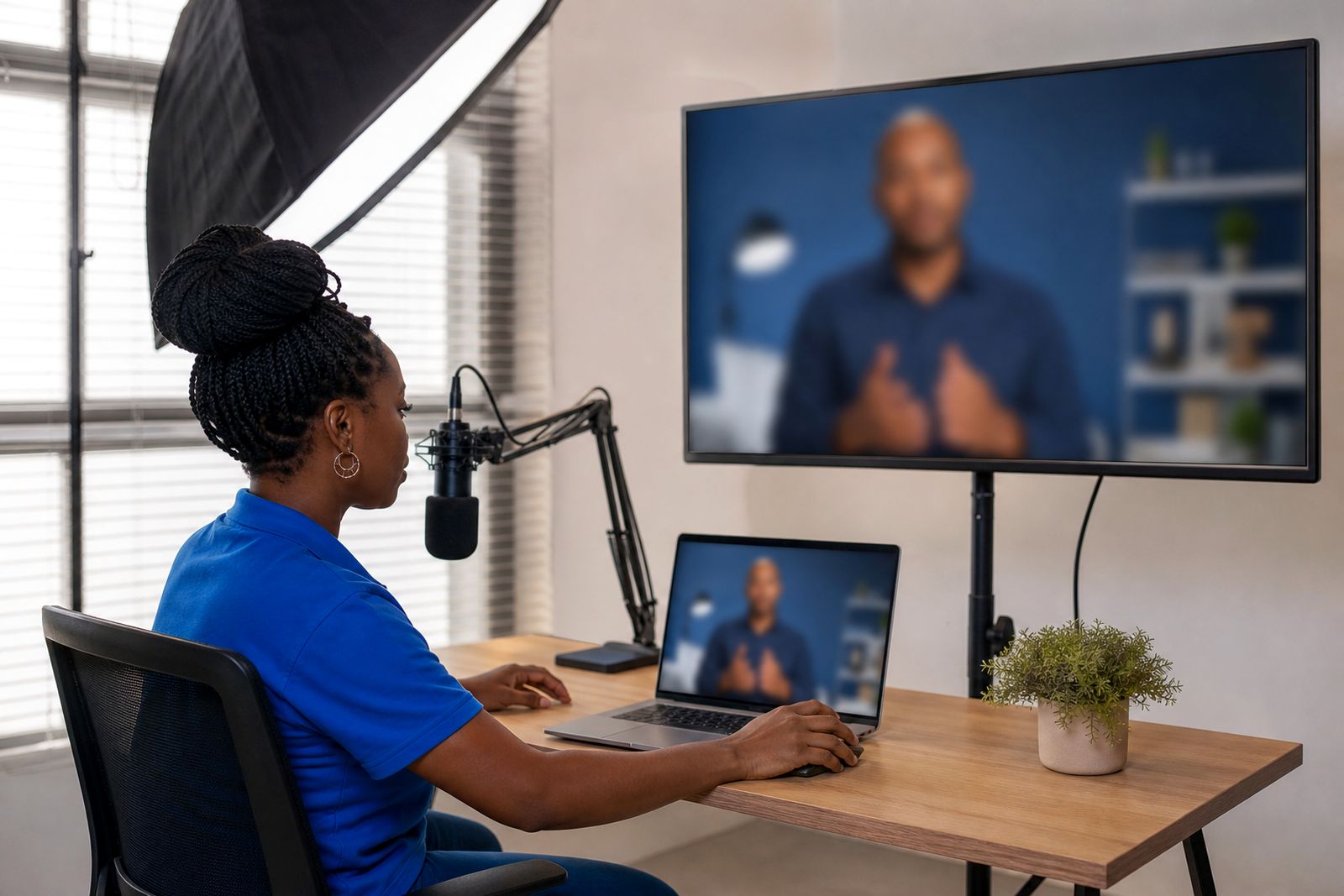
The presenter should match the purpose of the training. Some organisations want a neutral professional presenter used across multiple modules. Others want a presenter that feels closer to their brand tone or learner group. We can help you choose a suitable presenter style and voice, then apply your colours, graphics and supporting visuals around it.
For some projects, a standard presenter is the practical choice because it keeps production straightforward. For others, a custom presenter gives a more recognisable feel. If you want a presenter based on a real member of staff, that person must give written consent before any work starts. This matters for internal governance and for responsible content handling.
- Standard presenter: good for fast rollout across several modules with a consistent look.
- Customised presenter: useful when you want a closer fit to your brand style or audience.
- Staff based presenter: only suitable when written consent is in place from that person.
Build the script and storyboard
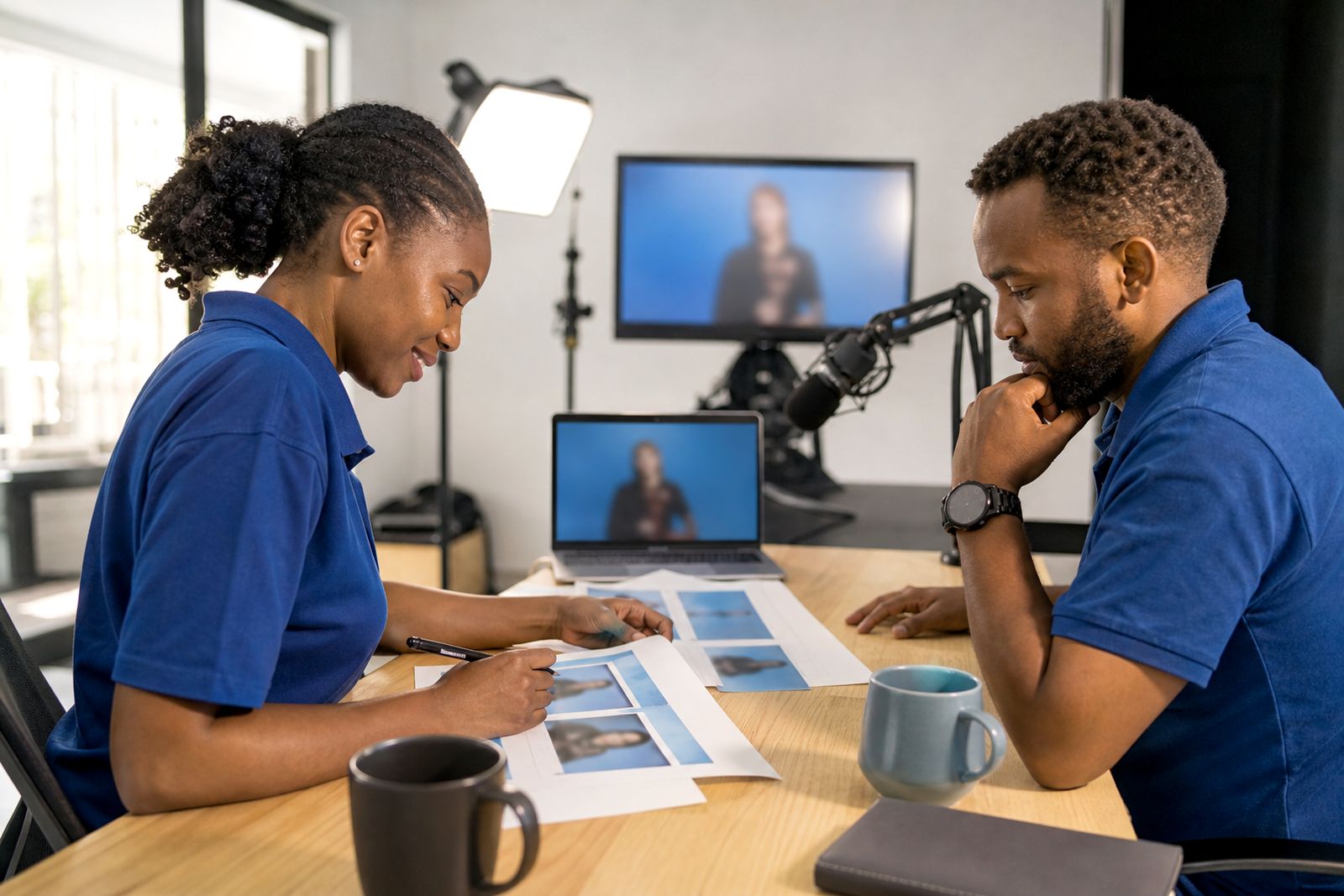
This is where the training becomes teachable. We break the material into sections, decide what the presenter says, and plan what appears on screen at each point. That can include your slides, screenshots, process graphics, step labels, icons and short callouts. The aim is not just to show information, but to make it easier to follow and remember.
If learners are likely to watch on laptops at work, on shared terminals or from home, the wording and pace need to be practical. A good training video does not try to cram everything into one long block. It moves topic by topic and gives each point room to land, even when the subject is dry or technical.
When comparing options, use this simple guide:
- Script only: best when your internal team already knows exactly what should appear on screen.
- Script plus storyboard: best when you want us to map speech, visuals and sequence together.
- Storyboard with screen capture cues: best for system training where clicks and menus must line up properly.
Add branding, language and learner support
Once the structure is approved, we prepare the presentation details that make the video usable in the real world. This includes your branding, colours, lower thirds, title screens and any important visual identifiers used by your organisation. We can also add subtitles and choose voices in several languages to suit your learner group.
These choices are not cosmetic only. In colleges and schools subtitles can help with comprehension and accessibility. In company training, branded screens help learners recognise that the material belongs to their employer or training provider. If your workforce includes mixed language groups, subtitles and voice selection can reduce confusion and repeat explanations.
- Branding helps align the training video with your internal material.
- Subtitles support quieter viewing spaces and learners who prefer reading along.
- Language and voice choices help when teams work across regions and language backgrounds.
- Screen captures are useful when a process must be followed exactly, not loosely.
Deliver files ready for learning platforms
The final step is exporting the finished video in a format that suits how you deliver training. Some clients upload directly to a learning platform. Others use the files in staff induction packs, classroom sessions or internal knowledge libraries. We prepare exports that are practical for online delivery and consistent playback.
If your learners are in Centurion, Pretoria, Johannesburg or elsewhere in South Africa the work is still handled online from first brief to final delivery. This keeps the process simple for training teams, colleges and providers working across multiple sites. When you are ready to discuss a project, send your brief through the enquiry form on our contact page and we can advise on the most suitable route.
If you are unsure where to start, the easiest path is usually this: bring your existing notes or slides, tell us who the learners are, and we will recommend whether you need script support only or a fuller script, storyboard and branded delivery package.
What our AI Training Videos customers say
Verified Google reviews
Questions we get asked
Do we need a finished script before we enquire?
No. You can start with slides, notes, manuals, process documents or screen captures. We can turn that material into a training script and storyboard.
Can you make a presenter based on one of our staff members?
Yes, but only if that person gives written consent. If that is not suitable, we can recommend a presenter option that still fits your training style and branding.
How do we send our brief to VideoPerson?
Please use the enquiry form on our contact page. Include your training topic, learner group, any source material you already have and whether you need branding, subtitles or multiple languages.
Tell us about your training video
Send a short note through our contact form about the course or topic, who will watch it and any script or slides you already have.
Open the contact form