

AI presenters
Choose a presenter style that fits your training content, audience and brand. This page explains the difference between stock presenters and a custom presenter so you can plan the right delivery for your learning programme.
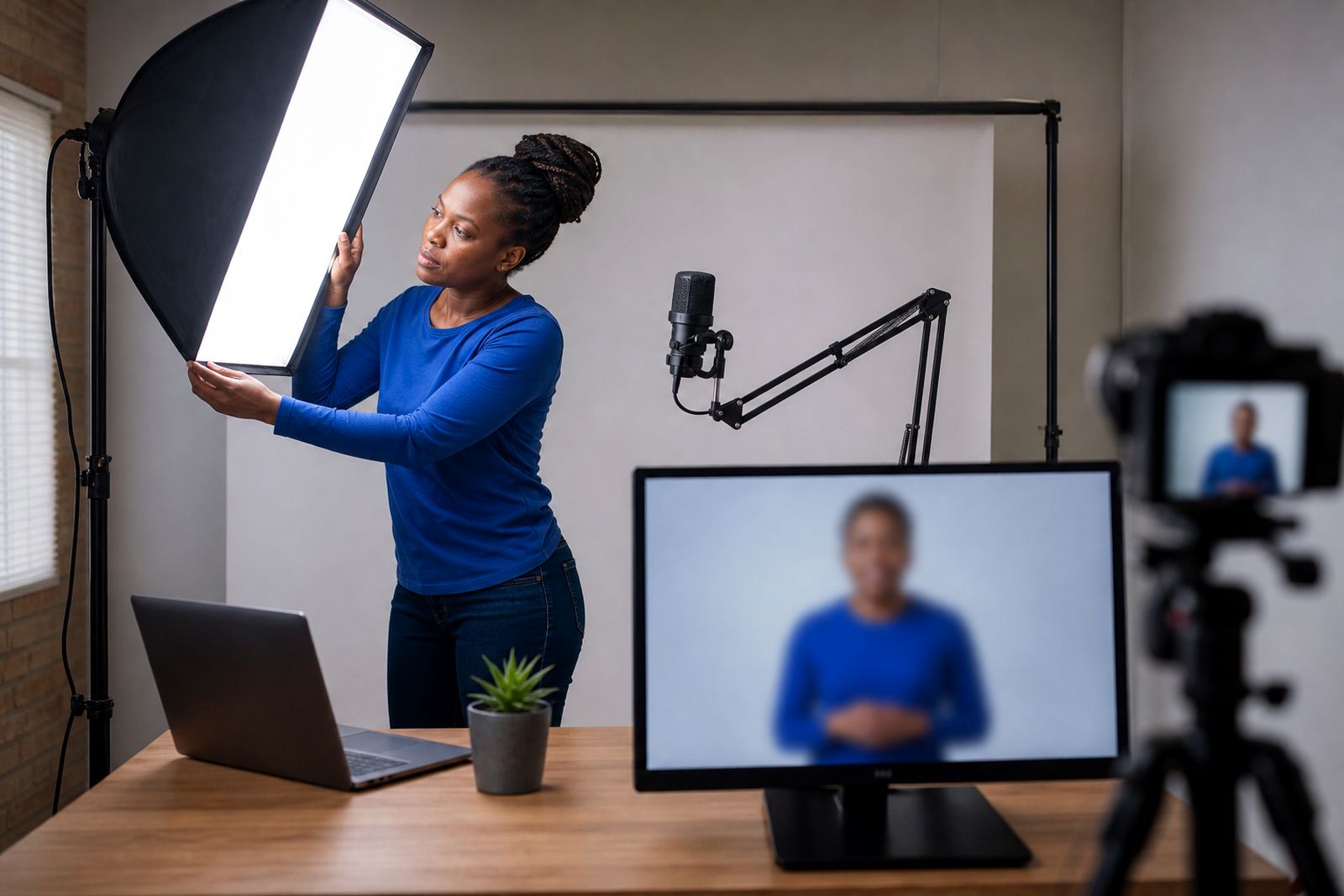
Choose the right presenter for your training
The presenter in a training video affects more than appearance. It shapes how formal the lesson feels, how familiar it is to learners and how well the content fits your internal standards. For some organisations, a ready-made presenter is the practical option for onboarding, refresher modules and policy updates. For others, a custom presenter gives a closer match to internal communication style and visual identity.
At VideoPerson in Centurion, we help businesses, colleges, schools and training providers across South Africa choose the right format for online delivery. We can work from your slides, notes or existing training material, then match the presenter approach to your subject, audience and rollout requirements.
Stock presenters for fast, clear training delivery
Stock presenters are pre-built digital presenters that can be selected to suit the tone of your training. They work well when your priority is clear delivery, a neat professional look and a practical path to regular video updates. This is often the best fit for induction content, product training, short compliance lessons and internal explainers.
Because the presenter is already available, you can focus on the message, visuals and structure of the lesson rather than creating a presenter from scratch. We can still tailor the finished video with your logo, colours, captions, screen captures and exported files for your learning platform.
- Suitable for onboarding, HR, safety refreshers and process training
- Works well with slide-based lessons and narrated screen content
- Can be paired with subtitles for noisy sites or shared devices
- Useful when training must be delivered across branches in different towns
Custom presenter for a closer brand match
A custom presenter is the better option when consistency with your own brand matters strongly, or when learners are more likely to engage with a recognisable internal style. This route suits organisations that want a presenter look and delivery style aligned to their training environment, whether that is a college support module, a customer service programme or a structured product academy.
We can customise the presenter direction, visual tone and on-screen treatment around your training needs. If you want an avatar based on a real staff member, we only do this with that person's written consent. That matters for internal governance and for respectful use of staff likeness in training content.
- Closer alignment with your brand presentation standards
- Useful for recurring training series with a consistent presenter identity
- Good for learner-facing content where familiarity supports trust
- Real-staff avatars only created with written consent
How to decide between stock and custom
If you are unsure which route to take, start with the learning outcome. A stock presenter is often enough when the goal is straightforward instruction and broad rollout. A custom presenter makes sense when the video needs to feel more specific to your organisation or training offer. In many cases, clients start with a stock presenter for core modules and move to a custom option for flagship content later.
- Choose stock presenters if: you need a practical presenter option for regular training topics, internal updates or multi-module rollouts.
- Choose a custom presenter if: your training must reflect a clear house style, internal identity or more tailored learner experience.
- Choose either option with subtitles: when learners watch on mobile, in shared spaces or during load-shedding planning where audio may not always be ideal.
- Choose language support early: if your audience includes mixed language groups across provinces, so the script and voice plan are set properly from the start.
Languages, voice and on-screen delivery
A presenter is only one part of the learning experience. Voice, pacing, subtitles and visual support all affect comprehension. We can prepare scripts from your notes or slides, then match the presenter with voice options in several languages. This helps when the same training must work for head office, regional teams and external learners using the same module online.
We also add captions, screen recordings, diagrams and branded layouts where needed. For technical subjects, this matters a lot. Learners often need to hear an explanation while also seeing a system step, a process flow or a safety instruction on screen, and that combo helps keep the lesson practical not vague.
Built for South African training use
Training in South Africa often needs to work across different sites, bandwidth conditions and learner groups. A presenter-led video can help standardise the message whether you are training staff in Centurion, a campus team in another province or remote learners logging in from home. Exported files can be prepared for use on learning platforms, internal portals or managed course systems.
Common uses include onboarding, product knowledge, school or college support content, safety inductions and compliance lessons. The aim is simple: give learners a presenter they can follow easily, with visuals and language that support completion of the lesson first time around.
What our AI Training Videos customers say
Verified Google reviews
Questions we get asked
What is the difference between a stock presenter and a custom presenter?
A stock presenter is selected from an existing range and is usually the simpler option for general training videos. A custom presenter is tailored more closely to your brand and presentation style.
Can you create a presenter based on one of our staff members?
Yes, but only with that person's written consent. We do not create real-staff avatars without clear written approval from the individual.
Can presenter videos be prepared for our learning platform?
Yes. We export training video files for online learning use, including modules that need branding, subtitles, screen captures and structured delivery for staff or students.
Tell us about your training video
Send a short note through our contact form about the course or topic, who will watch it and any script or slides you already have.
Open the contact form