

Custom presenter
Need a presenter that feels closer to your own team and training style? We create custom presenter videos for South African organisations, using approved source material and written consent where a real staff likeness is involved.
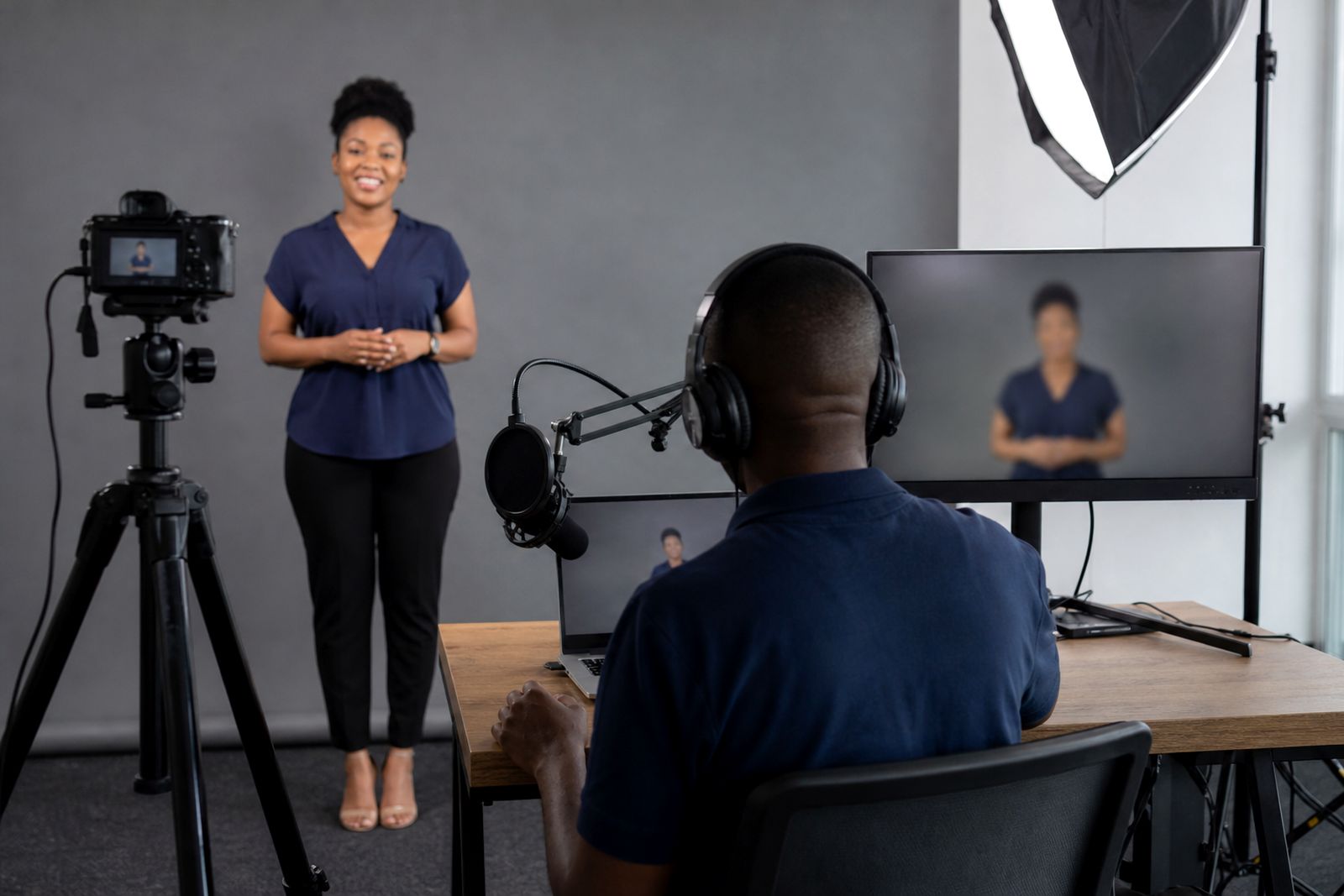
What a custom presenter includes
A custom presenter is a training presenter built around your organisation’s needs rather than a generic on-screen option. This service is suited to onboarding, safety inductions, SOP explainers, compliance refreshers, product training and learner support content for colleges, schools and training providers.
We can work from your slides, notes, lesson plan, policy document or existing course outline. From there, we prepare presenter-led video content with your branding, chosen tone, supporting visuals and delivery format for your learning platform or internal use. If a presenter is based on a real member of staff, we only proceed with that person’s written consent.
- Script writing or script clean-up from your source material
- Choice of presenter style, look and delivery tone
- Custom presenter creation where approved source material and consent are provided
- Brand colours, logo use and on-screen titles
- Screen captures, diagrams, product visuals or training steps
- Voice options in several languages and subtitle preparation
- Exported video files ready for LMS upload or online delivery
When a custom presenter makes sense
This option works well when learners need to recognise the training as clearly belonging to your organisation. It is especially useful for internal roll-outs where consistency matters across branches, campuses, stores, contact centres or field teams. A custom presenter can also help where the subject is sensitive, formal or highly specific and a more familiar style is preferred.
For South African training teams, this can be practical where staff are spread between Centurion, Pretoria, Johannesburg and other centres nationwide. The same approved message can then be delivered online to learners in different provinces without relying on repeated live sessions. It also helps where load-shedding disrupts scheduling because learners can access the material again when power or connectivity is stable.
If you do not need a presenter based on a real staff member, we can still customise the presenter style, voice, language and visual treatment so the final result suits your audience.
How the process works step by step
We keep the process straightforward so your training team can review each stage before sign-off. Most projects start with an enquiry through our contact page, followed by a short discussion on audience, subject matter and how the files will be used.
- Step 1: You send your slides, notes, lesson outline or policy material.
- Step 2: We review the content and identify gaps, repeated points or sections that need clearer learner wording.
- Step 3: We draft the script and structure the video into manageable sections.
- Step 4: You choose the presenter approach, either a customised presenter style or a presenter based on an approved real staff likeness with written consent.
- Step 5: We apply your branding, visuals, subtitles and any screen captures needed for demonstration.
- Step 6: You review the draft video and request edits within the agreed scope.
- Step 7: We export the approved files in the required format for your LMS, portal or internal distribution.
This keeps approvals clear and avoids confusion later, especially where compliance wording or internal policy language must be exact.
What you need to prepare
The better the source material, the smoother the production process. You do not need a perfect script before contacting us, but you should have the training objective and learner group defined. For example, induction learners need a different level of detail from experienced operators doing a refresher module.
- Your current slides, notes, handbook extracts or module outline
- The intended audience such as new staff, supervisors, students or call centre agents
- Any required wording for safety, legal or policy statements
- Brand assets such as logo files, colours and style preferences
- Examples of screen flows, systems or product steps if these must appear on screen
- Language and subtitle requirements
- Written consent if the custom presenter is based on a real staff member
If your material includes municipal, campus or site-specific rules, send the latest approved version so we can align the wording properly. Where coastal humidity, heat, warehouse conditions or site access rules affect the training content, include those details early so the examples fit the real working environment.
How pricing is worked out
Pricing is based on the scope of the work rather than a one-size-fits-all rate. A short, simple module with supplied script and standard visuals is usually scoped differently from a multi-part training set that needs heavy script development, several review points, multiple languages or a presenter based on approved real staff reference material.
In general terms, the main factors are the amount of script work, the complexity of the custom presenter setup, the number of scenes, the level of branding, subtitle requirements, voice and language choices, and the number of export versions needed. LMS delivery needs can also affect scope, especially where separate modules or file variations are required.
If you are comparing options internally, it helps to group your content by module, audience and language first. That makes it easier to quote accurately and helps avoid under-scoping. We will outline what is included so your team knows what is covered before production starts.
Aftercare, updates and technical specs
Training content often needs revision after policy updates, process changes or curriculum adjustments. We can assist with updates to scripts, subtitles, branding elements or exported files where the original content needs to be refreshed. This is useful for onboarding packs, annual compliance material and term-based learning content.
After delivery, keep your approved script and source files together so later updates are simpler. If your LMS has upload limits or preferred settings let us know before final export, not after, as that can save time.
Typical delivery points include:
- Landscape video format for LMS, portal or web playback
- Subtitle support for accessibility and quiet viewing
- Voice options in several languages
- Branded opening and closing frames where needed
- Sectioned modules for easier learner progress tracking
- File exports prepared for common online training use
To start, send your project details through the enquiry form on our contact page and we will advise on the most suitable custom presenter route.
What our AI Training Videos customers say
Verified Google reviews
Questions we get asked
Can you make a presenter based on one of our staff members?
Yes, if that option suits the project and the person gives written consent. We do not create a real-staff presenter without that approval.
Do we need to provide a finished script?
No. We can work from slides, notes, policy wording or a course outline and turn that material into a structured training script.
Can the finished videos be used in our learning platform?
Yes. We prepare exported files for online training use, and we can align delivery with your LMS or internal platform requirements if shared at the start.
Also worth a look
Tell us about your training video
Send a short note through our contact form about the course or topic, who will watch it and any script or slides you already have.
Open the contact form