

Branding and delivery
A training video should look like it belongs inside your organisation, not like a generic lesson dropped in from somewhere else. We apply your branding carefully and deliver files in formats that suit learning platforms, internal sharing and classroom use.
What is included in branding and delivery
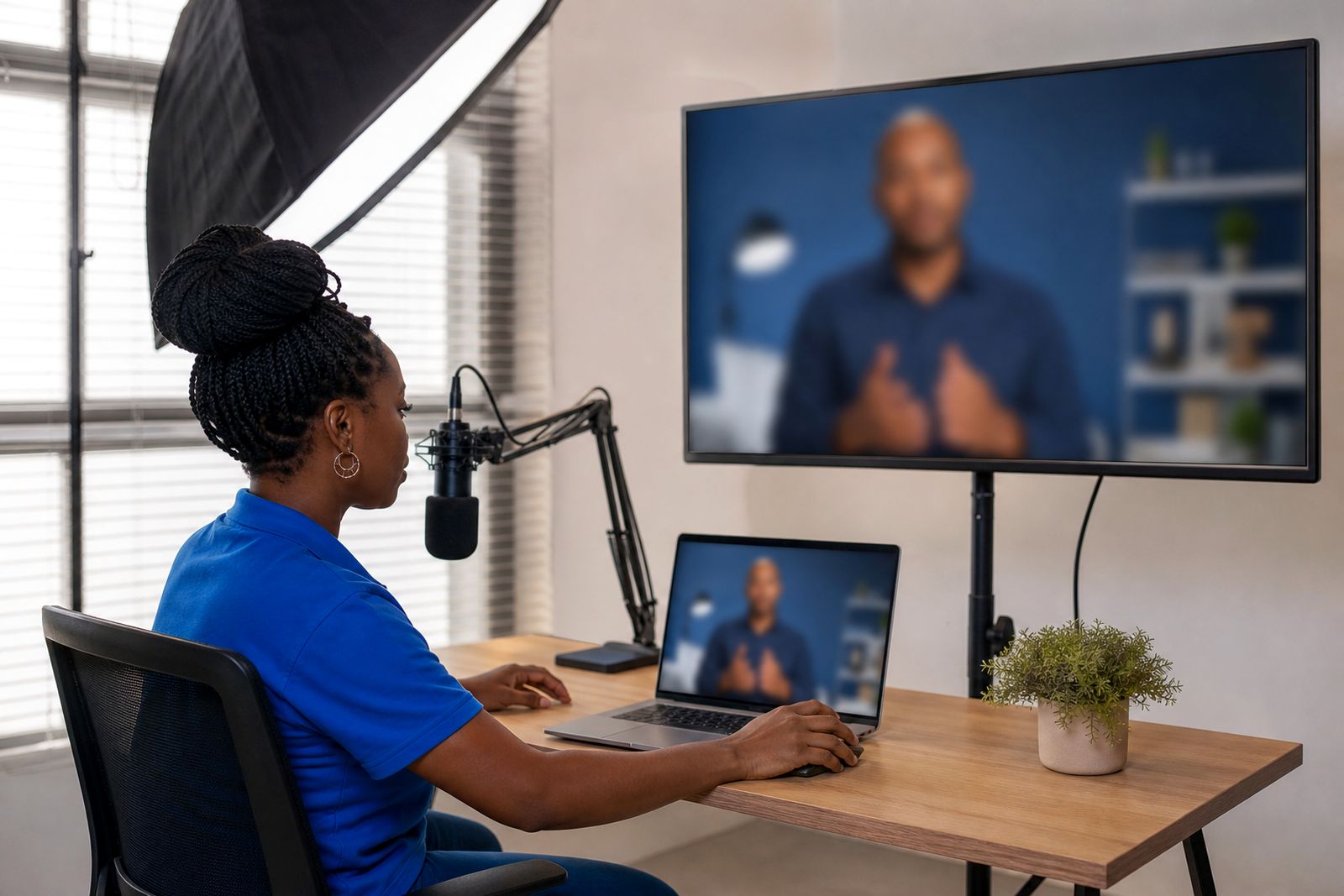
Branding and delivery covers the visual finish of your training video and the way the final files are prepared for use. Once the script, presenter choice and structure are approved, we apply your logo, colour palette, title slides, lower-thirds, on-screen labels and any screen captures or supporting visuals needed for the lesson. The aim is simple: learners should recognise your organisation straight away and the content must be easy to follow on a phone, laptop, training room screen or learning platform.
We can work from an existing brand guide, a slide deck, a staff induction pack or a few sample documents if that is what you have available. If your training team needs a clean, plain style for compliance topics we can keep it formal. If you need something warmer for onboarding or student support, we can adjust the tone without making the video feel busy or distracting.
- Logo placement and title frames
- Brand colours for headings, labels and backgrounds
- Subtitles for accessibility and quieter viewing environments
- Screen captures, diagrams and slide content where relevant
- Exports suited to internal training systems and general playback
How the process works step by step
We start with your brief through the enquiry form on our contact page. From there, we look at who the training is for, what the video must teach and where the final file will be used. A video for a college portal may need different naming, chapter structure and subtitle handling from a staff induction file shared across branches.
Next, we collect the content elements. These may include your approved script, notes, slides, screenshots, logos and any wording that must appear exactly as written. If you still need help shaping the lesson, the content can first be planned through our Script and storyboard process.
We then build the branded video layout around your chosen presenter style and voice settings. Before final export, we check the video for reading pace, subtitle timing, spelling, visual consistency and whether key information is still clear on smaller screens, this matters a lot when learners are watching between shifts or while travelling.
- Brief received and delivery requirements confirmed
- Brand files and training content collected
- Video layout prepared with branding and visuals
- Review round for content and presentation checks
- Final exports supplied in the agreed formats
What you should prepare before we start
The smoother the source material, the easier it is to keep the video accurate. For training teams, it helps to nominate one reviewer who can sign off wording and one reviewer who can sign off branding. That avoids mixed comments and keeps compliance topics consistent across departments.
If you want a presenter based on a real member of staff, we only do that with that person written consent. For many organisations a standard presenter is the simpler option, especially where staff roles change or branch teams are spread across South Africa.
- Your logo in a clear file format
- Brand colours, or a sample document showing preferred colours
- Slides, notes or approved script
- Any required screenshots, product views or process diagrams
- Guidance on pronunciation for local terms, place names or internal wording
- Where the video will be used, such as LMS, intranet, WhatsApp sharing or classroom display
If subtitles are important for your learners, tell us upfront whether you need open captions visible on screen at all times or a subtitle file for platform upload. This is useful for noisy shop floors, call centre training rooms and campuses where many learners watch with sound low or off during the day.
File formats and technical specs we can supply
Final delivery is matched to how your team will actually use the training. Most clients ask for a standard video file that plays easily across common devices, plus subtitles where needed. We can also prepare files intended for learning platforms that need separate caption uploads, clear file naming or module-by-module organisation.
For internal training, practical choices usually work best: a full HD file for general use, compressed versions for easier sharing, and subtitle options for accessibility. If your learners are in areas with slower connectivity or are using mobile data, we can discuss lighter export settings so the lesson remains usable during load-shedding catch-up periods and remote access windows.
- MP4 video export for broad compatibility
- Full HD 1 920 x 1 080 as a common delivery size
- 16:9 landscape format for laptops, classrooms and LMS playback
- Embedded subtitles or separate subtitle files
- Separate video files where a course is split into short modules
How pricing is usually worked out
Pricing is generally based on the scope of the work rather than one flat rate. The main factors are the length of the final training video, how much script support is needed, whether a standard or custom presenter is used, the amount of branding setup, the number of languages or voices, and the complexity of visuals such as screen captures or slide conversion.
Delivery requirements can also affect the scope. A single final MP4 is simpler than a package with multiple modules, subtitle files, alternate language versions and separate exports for different training groups. Review rounds matter too, especially where several departments must approve wording for policy, safety or compliance use.
When you send your enquiry, it helps to include the training topic, approximate running length, whether you already have a script, and what delivery format your team expects. That gives us enough detail to guide you properly without guesswork.
Aftercare and updates
Training content often needs revisions after rollout. Policies change, product steps are updated and compliance wording can shift between regions or business units. After delivery, we can assist with updates to branding, subtitles, screen captures, wording and exported versions where needed.
It is worth keeping a master set of approved source documents on your side so future edits are quicker. If your learning team plans to build a series, we can also keep the style consistent from one module to the next so onboarding, safety and product training feel related instead of patched together.
If you are still deciding what should appear on screen and what should stay in narration, our Training videos we make and Languages and voices pages will help you compare options. When you are ready, send the brief through the enquiry form and we will advise on the most practical delivery setup for your learners.
What our AI Training Videos customers say
Verified Google reviews
Questions we get asked
Can you match our existing training style?
Yes. If you send your logo, colours, sample slides or a brand guide, we can align the video to your existing training material so it feels consistent with the rest of your internal content.
Can we get subtitles and more than one language?
Yes. We can add subtitles and prepare voice versions in several languages, depending on your training needs and the source script provided for each version.
What if we need changes after delivery?
Updates can be done after delivery if wording, branding, screenshots or subtitles need to change. It helps if one internal reviewer keeps the approved source material together for future revisions.
Also worth a look


Tell us about your training video
Send a short note through our contact form about the course or topic, who will watch it and any script or slides you already have.
Open the contact form